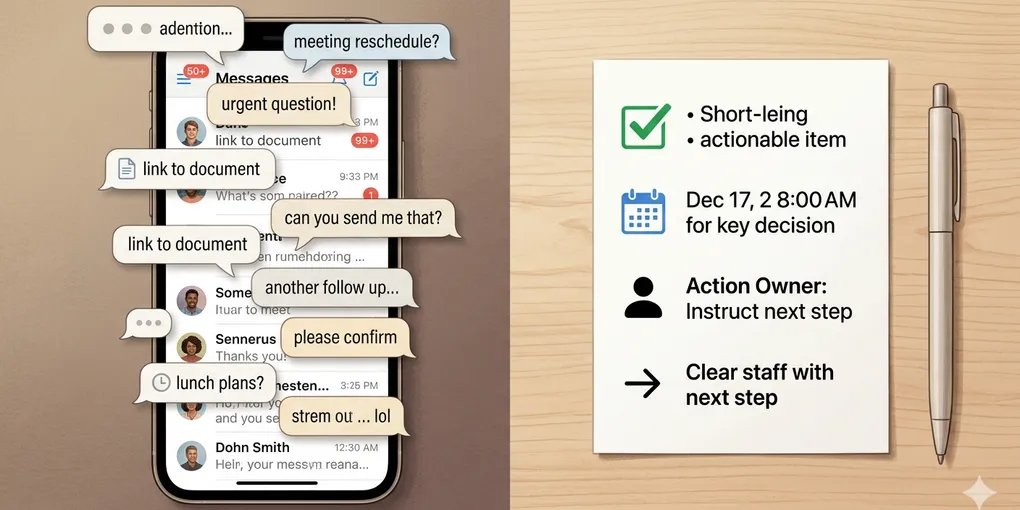
How to Turn Long Chat Messages Into Clear Next Steps With AI
A long chat is one of the most annoying kinds of information to reopen. You remember that something important was decided, someone promised to send something, and a date was mentioned somewhere, but finding it again means scrolling through jokes, side comments, and half-finished replies.
AI helps most when it does not try to make the conversation sound nice. The real job is to turn a messy chat into a short operational note: what changed, what still needs a reply, and what someone needs to do next.
1. Do not ask for a generic chat summary first
Most people start with “summarize this conversation.” That usually produces a smooth paragraph, but not a useful one. You still have to ask: what was decided, what is still open, and what do I need to do now?
Chats are noisy by nature. Greetings, reactions, repeated confirmations, and side topics all sit next to the one message that actually matters. A generic summary preserves too much of that noise.
A better start is to tell AI what kind of output you need. For example, if the conversation was about planning, you want decisions and dates. If it was a back-and-forth with a client, you want open questions and the next reply to send.
2. The most useful chat summary is not “what was said” but “what changed”
This is the main shift that makes the whole workflow better. When a conversation is long, the reader usually does not need a transcript in prettier words. They need a change log.
Ask yourself what is different after the conversation than before it. Did a date get fixed? Did one option get rejected? Did someone agree to send a file? Did one question remain unanswered? Those are the pieces worth saving.
This matters because a chat can be long without being important. Ten screens of messages may contain only two real changes. If you summarize everything evenly, those two changes stay buried. If you summarize by change, the useful part becomes visible immediately.
Imagine a family trip chat. People talk about weather, seats, snacks, and which cafe to stop at. But the real changes might be only these: Saturday departure is confirmed, one person books the car, and one person still needs to confirm the child seat. That is the note you actually need later.
The same pattern applies to work chats. In a freelance client thread, the conversation may sound busy, but what changed may be only this: the deadline moved to Thursday, the first draft should be shorter, and the client still has not approved the image direction. Once you see the conversation that way, the summary becomes much more practical.
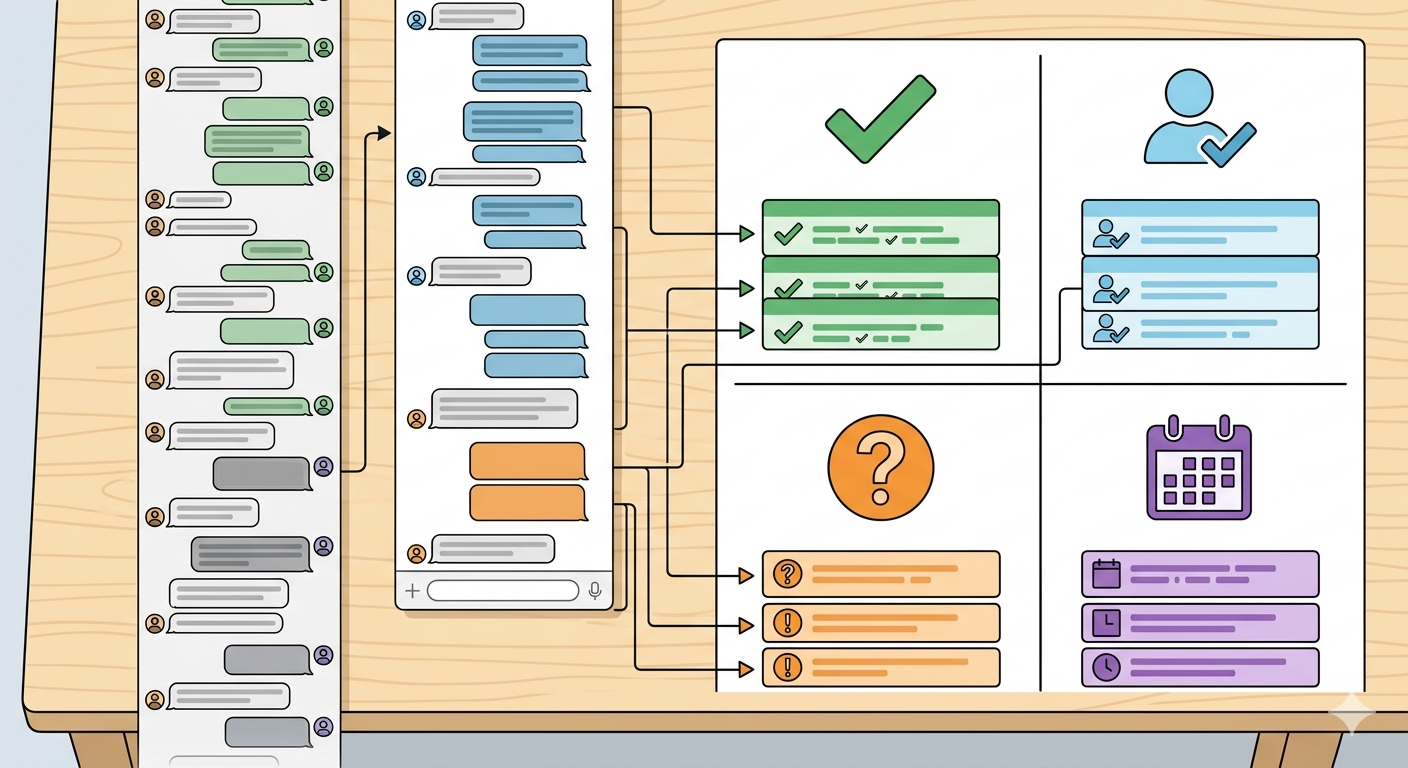
3. Use four decision buckets when you clean up a chat
If you want a reusable structure, four buckets are usually enough.
- Decided: things that are now fixed
- Action needed: something a person now has to do
- Need reply: something still unanswered or unclear
- Schedule: dates, deadlines, and next check-in points
This structure works because it separates movement from background. A message like “Sounds good” rarely needs to survive. A message like “Let’s move it to Friday” definitely does.
When AI puts cards into these four buckets, you can decide faster what to do, what to ignore, and what to revisit later.
4. A concrete example shows the difference immediately
Suppose a small group chat is trying to organize a dinner. The original thread includes restaurant suggestions, one person arriving late, someone asking whether kids can come, and a final message about booking by 5 p.m.
A weak summary says the group discussed restaurant options and timing. A useful summary says: dinner is Friday at 7, Mina will book by 5, Sungho needs to confirm whether he is bringing two kids, and parking is still unconfirmed. The second version is shorter, but it is much more actionable.
5. One reusable prompt is enough for most chats
You do not need a complicated automation for this. One practical prompt is enough:
Turn this chat into a practical follow-up note. Separate it into decided items, action needed, need reply, and schedule. Keep only things that changed because of the conversation. If a person or deadline is unclear, mark it as missing.
If the chat matters because you need to respond, add one more line:
At the end, suggest the next reply I should send in two or three short sentences.
What to do first
Pick one long chat you have been avoiding rereading. Do not ask AI for a broad summary. Ask it to show only what changed, what still needs a reply, and what someone now has to do. If the result makes the next step obvious in under a minute, the method is working.