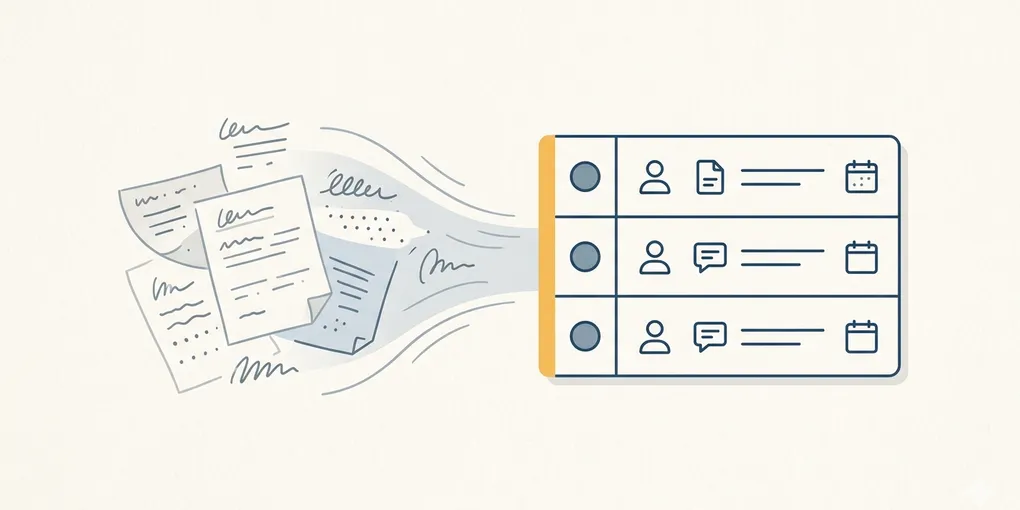
How to turn AI meeting notes into clear action items
The most frustrating kind of meeting is the one that ends with plenty of notes but no obvious next move. If no one can tell who owns what, what needs confirmation first, or what has a deadline, the meeting consumed time without creating momentum.
AI is useful here when you use it as a restructuring tool, not as a replacement for understanding. The goal is not a prettier summary. The goal is a short list that makes the next actions visible.
This applies to meeting notes, call notes, chat transcripts, voice memos, and any rough notes that contain decisions but lack structure.
1. Do not summarize first. Separate first.
Many people start with “summarize these meeting notes.” That usually mixes decisions, tasks, loose ideas, and unresolved questions into one soft paragraph.
A better starting point is to separate the notes into four buckets first:
- Decided: what is already agreed
- Action items: what someone must actually do
- Needs confirmation: what is still unanswered
- Reference notes: context that does not trigger action yet
For example, “review the design this week,” “sales team needs to confirm the price sheet,” and “revisit next Wednesday” should not live in the same bucket. One is a task, one is a dependency, and one is scheduling.
2. Strong action lists are built from fields, not elegant sentences
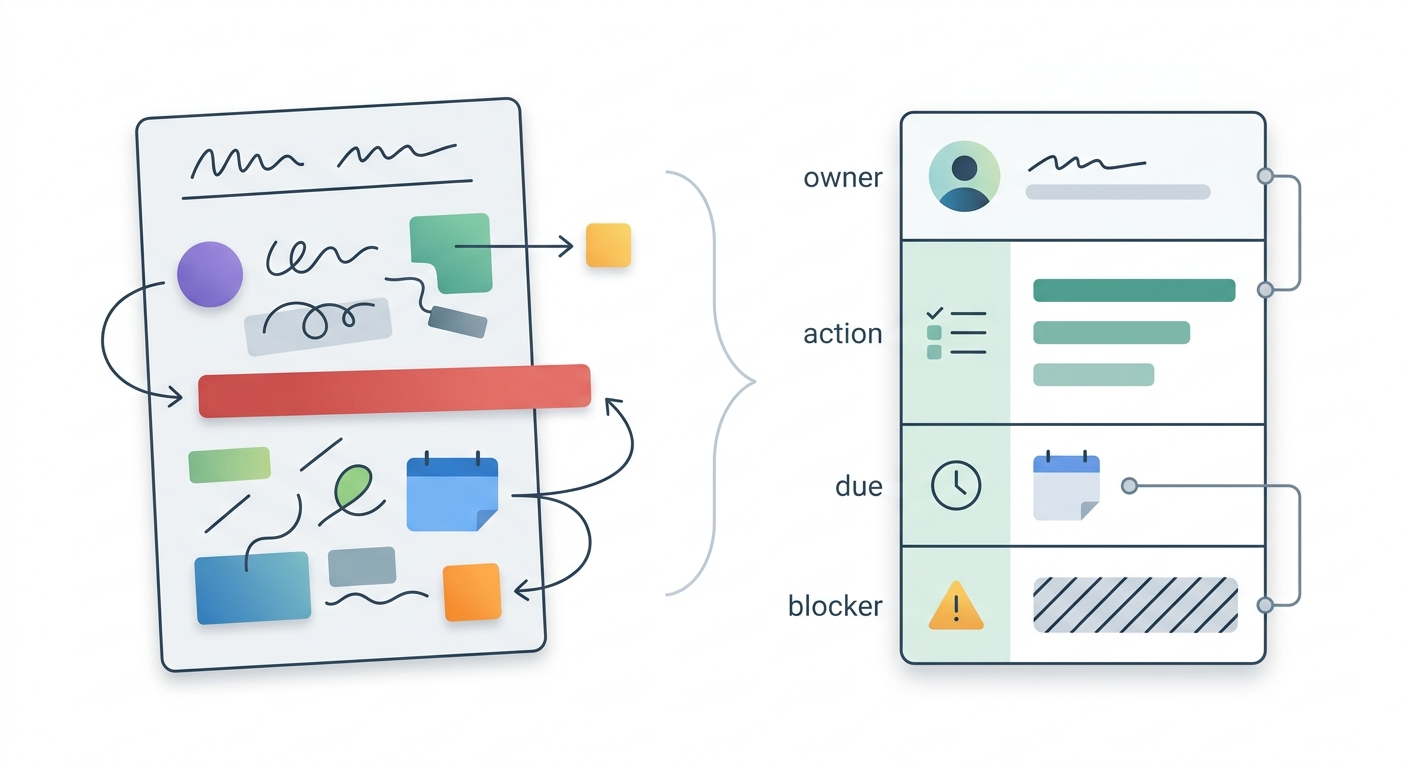
A usable action list needs structure more than style. At minimum, every real task should expose three fields:
- owner: who does it
- action: what needs to happen
- due: when it is due
One extra field makes the list safer:
- blocker: what must be checked first
“Prepare the material” is weak. “Minsu: update the Q1 sales slides by Thursday morning after confirming the latest numbers with finance” is immediately usable.
Prompt AI with the structure you want. “Turn this into owner, action, due, blocker format” will usually outperform “make this into tasks.”
3. Reduce vague language before you trust the output
Meeting notes are full of phrases like “review,” “share,” “discuss later,” “if possible,” and “look at again.” Those phrases feel normal during a call, but they are weak instructions after the call.
This is where AI helps. Ask it to pull only the items that imply action and to flag the ones that still sound vague.
Extract only the items that require action. For each one, show who does it, what they do, and when it is due. If the owner or deadline is missing, mark it clearly.
That one prompt alone makes the gaps visible. You stop pretending the notes are complete and start seeing which parts are still missing assignment or timing.
4. Use one fixed 5-minute review routine
The AI output is still a draft. Before you treat it as the final list, check five things:
- Only real actions remain
- No action item is missing an owner
- No important deadline is missing
- Questions are not mixed into tasks
- Anything that belongs to the next meeting is separated out
The biggest improvement usually comes from separating “needs confirmation” from “to do.” A question is not a task unless someone is explicitly responsible for resolving it.
5. One repeatable prompt is enough
You do not need a complex meeting agent to get value here. One repeatable prompt can already clean up most meeting notes:
Turn these meeting notes into an execution list. Separate decided items, action items, needs confirmation, and reference notes. Format action items as owner, action, due, and blocker. If owner or due date is missing, mark it as empty.
If the notes are especially messy, add one more pass:
Now highlight vague phrases such as review, share, discuss later, and revisit. Replace them with more specific actions when possible.
What to do first
Take one real meeting note from today and run it through this structure once. Judge the result by one standard only: can you see the next action faster than before.