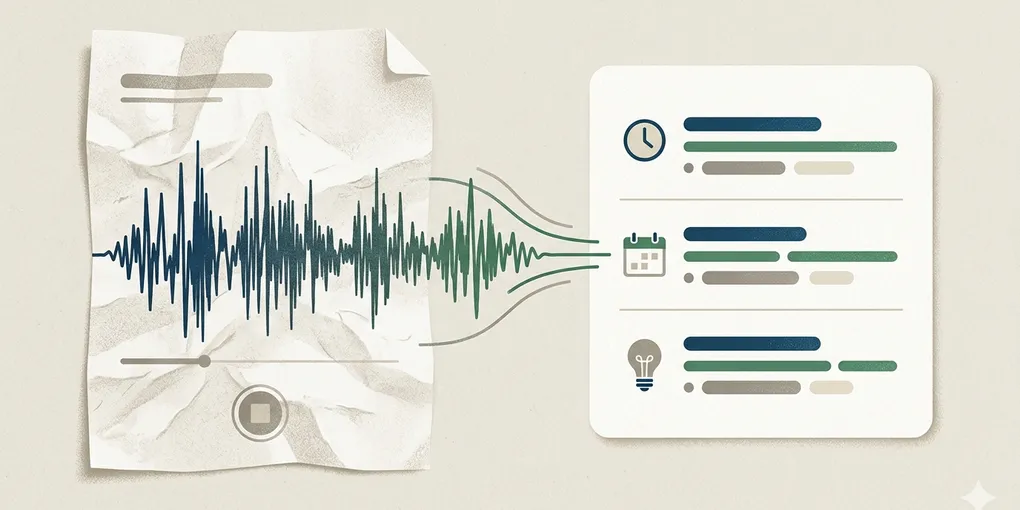
How to turn AI voice memos into clear meeting summaries
Voice memos are useful in the moment and annoying later. You record ideas while walking, after a call, or between tasks, then end up with five long audio notes you do not want to replay from the beginning.
That is the real problem this post solves. It is not about making audio prettier. It is about turning one messy spoken note into a short summary you can actually use.
AI helps most when you make it separate the memo into a few practical buckets instead of asking for one vague summary paragraph.
1. Do not ask for a full summary first
Many people start with “summarize this voice memo.” That often produces a smooth paragraph that sounds useful but hides the parts you actually need later.
If you only get one paragraph back, you still have to ask: what was the key point, what was decided, and what should happen next? A nicer paragraph is not the same thing as a usable note.
2. The most useful summary is built from three buckets
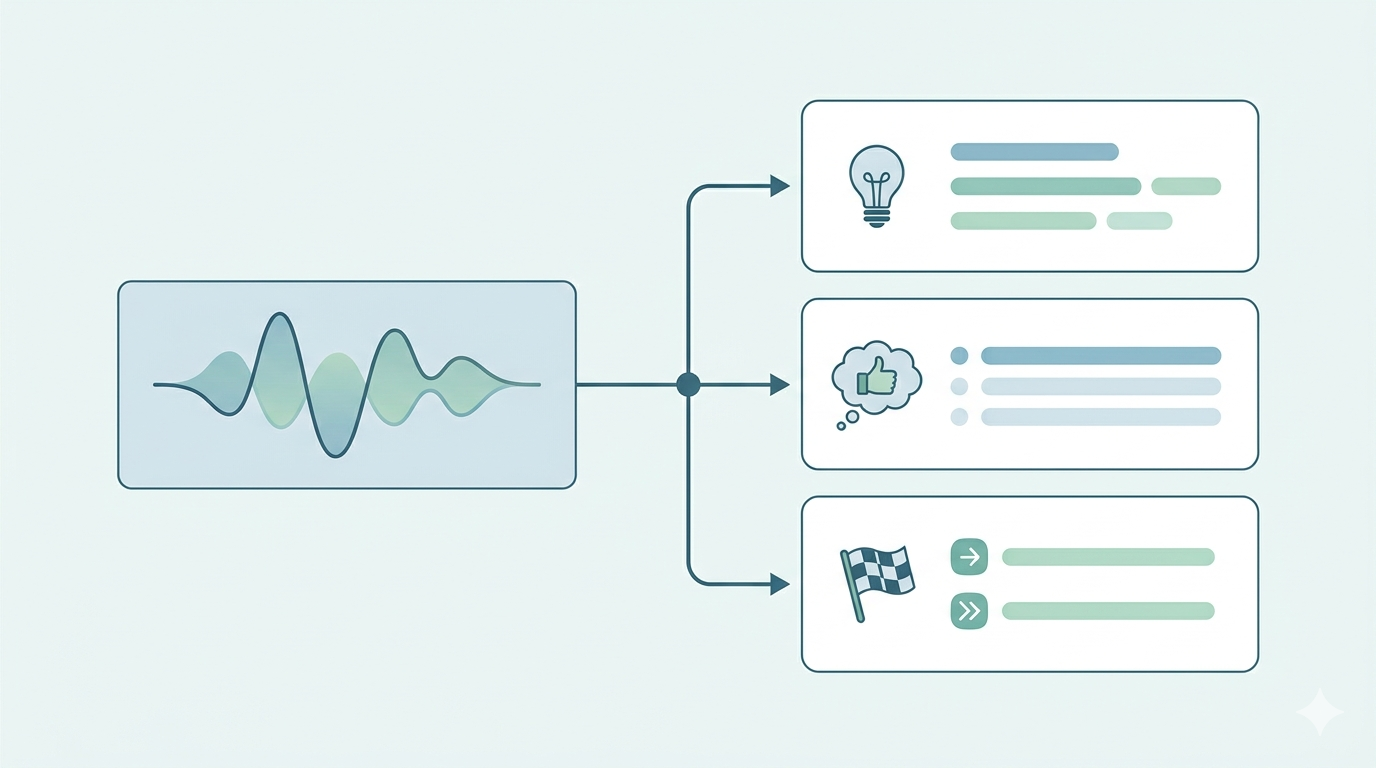
This is the main shift. A good voice memo summary does not try to preserve the rhythm of speaking. It reorganizes the memo into three small blocks: key points, decisions, and next actions.
That sounds simple, but it changes how readable the note becomes. Spoken notes repeat themselves, circle back, and often mix context with action. If AI leaves that spoken order intact, the memo still feels heavy. If AI separates it into buckets, the memo becomes something you can scan in seconds.
For example, a five-minute audio note after a client call may contain three different things at once: what the client cared about, what was already agreed, and what you need to send tomorrow. Those should not live in the same paragraph. If they do, you will revisit the memo later and still feel like you need to listen again.
A better prompt makes AI pull those layers apart. Key points tell you what mattered. Decisions tell you what became true. Next actions tell you what still needs movement. Once those are separated, even a long spoken memo becomes light enough to trust.
3. Reduce vague language before saving the summary
Voice notes are full of phrases like “check later,” “look into that,” “probably next week,” and “need to talk again.” Those phrases sound normal when spoken but stay weak when written down.
Ask AI to flag vague language and either sharpen it or mark it as unresolved. This one step often matters more than the first summary itself.
- weak: “follow up with them soon”
- better: “send revised draft to client this week”
- weak: “review pricing later”
- better: “compare current pricing sheet with April quote before Friday”
4. Use one repeatable prompt
You do not need a complicated setup. One fixed prompt is enough for most audio notes:
Turn this voice memo into a short working summary. Separate key points, decisions, and next actions. If any action is vague, rewrite it more clearly or mark it as unresolved.
If the note came from a meeting or call, add one extra instruction:
Show who needs to do the next action when that is clear. If no owner is visible, leave it empty.
5. One real example is enough
Imagine you record a memo after a 20-minute project call while walking back to your desk. The memo includes what changed, what the client asked for, and what you still need to confirm internally. In raw form, that is one long stream.
After AI reorganizes it, the summary can become: three key points, one decision, and two next actions. That is the difference between a memo you avoid and a memo you reuse.
What to do first
Take one real voice memo from today and run it through the three-bucket format once. Judge the result by one question only: can you understand the memo without pressing play again.