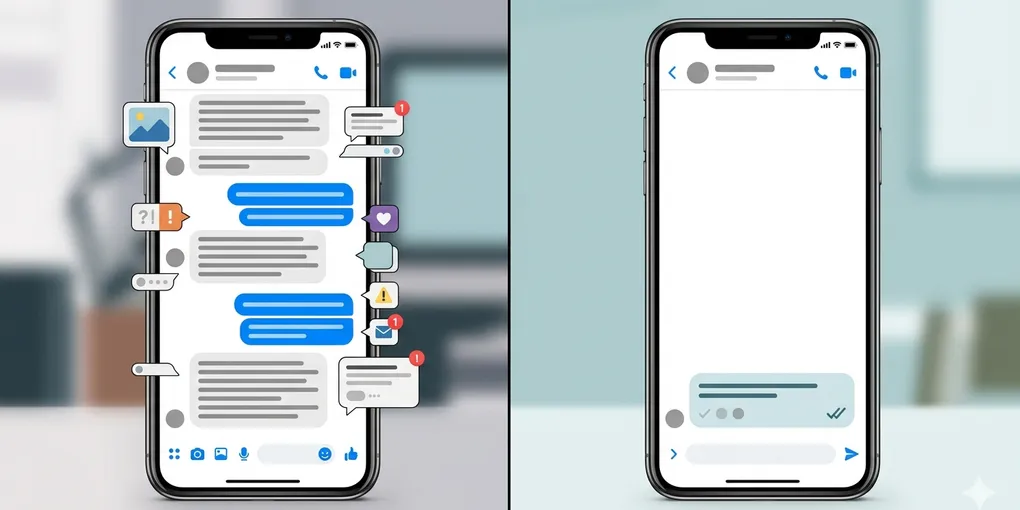
How to Turn an AI Chat Summary Into a Reply You Can Actually Send
Many people get stuck one step after the useful part. AI already cleaned up a long chat, the decisions are visible, the open question is obvious, and you finally know what changed. But when it is time to send the actual reply, the cursor just sits there.
That is why a good chat summary is not the finish line. It is only the handoff. This post is about turning that summary into a short reply you can actually send without sounding vague, robotic, or accidentally too strong.
Core claim: A sendable reply is not a cleaner recap. It is a short message with one purpose, the right tone, and one clear next move.
1. The last reply is often harder than the summary
People often assume that once AI summarizes the chat, the difficult part is over. Usually it is not. A summary tells you what happened. A reply has to do something: confirm, ask, delay, decline, or move the conversation forward.
This is the gap many readers notice after using the workflow from How to Turn Long Chat Messages Into Clear Next Steps With AI. They can finally see the important points, but they still need a sentence that sounds like them and fits the situation.
The visible problem looks like “I need AI to write a message.” The real problem is narrower. You need AI to preserve only the useful pressure from the conversation and drop the noise. If the reply tries to restate the whole thread, it becomes slow and awkward again.
2. A usable reply needs purpose, tone, and request
The easiest way to improve the reply is to stop asking for “a polite response” or “a professional reply.” Those prompts are too broad. A sendable reply usually needs only three things: what this message is trying to do, what tone it should carry, and what request or next step it should leave behind.
Purpose: decide what this message is doing
Purpose means the job of the reply. Are you confirming a date, asking for missing information, buying time, or narrowing a choice? If the purpose is blurry, the reply wanders.
Tone: choose the emotional distance on purpose
Tone means how much warmth, distance, or firmness the message should carry. A client follow-up, a parent group chat, and a casual friend conversation can all contain the same facts but need different emotional weight.
Request: leave one clear next move behind
Request means what the other person should know or do next. This is the part people skip most often. A message can sound smooth and still fail because it does not tell the other person what happens next.
If those three pieces are clear, AI usually produces something workable in one pass. If one of them is missing, you get a generic message that sounds safe but does not move the conversation. The same rule shows up in related note-cleaning workflows like turning meeting notes into action items. Clear output depends on a clear next action.
Warning: If your prompt does not define the request, AI often fills the space with polite filler. The reply sounds smoother than the original chat, but it still leaves the other person wondering what to do next.
3. Use four buckets before drafting the reply
Before asking AI to write the message, sort the summary into four buckets. This keeps the reply short and stops it from repeating the entire conversation.
- What they are waiting for: the exact point the other person needs answered now
- What I can confirm now: dates, choices, or boundaries I am ready to state
- What is still open: details that should stay tentative instead of pretending they are fixed
- What the next move is: the one request, confirmation, or question the message should end with
These four buckets do two things at once. They protect the reply from becoming too long, and they prevent false confidence. Many bad AI replies sound polished because they quietly invent certainty where the original conversation was still unresolved.
What this fixes first
Most reply drafts fail in one of two ways. Either they become a mini-summary of everything that happened, or they overstate details that were still undecided. The four-bucket pass stops both mistakes before the drafting even starts.
What to leave out on purpose
You usually do not need greetings, repeated thanks, or side-topic reactions from the original thread. If a detail does not change the next move, it probably should not survive into the draft. This one cut alone makes many AI replies feel more human.
Imagine a school parent group chat about a weekend picnic. After twenty messages, the real reply may need only this structure: they are waiting to know whether your child is joining, you can confirm attendance, lunch details are still open, and the next move is asking whether payment is due before Friday. That is enough for a clean message.
4. Compare a weak reply with a sendable reply
Suppose a freelance client thread has already been summarized like this: deadline moved to Thursday, homepage copy should be shorter, and the client has not confirmed the image direction yet.
A weak AI reply sounds like this: “Thank you for the update. I understand that the deadline has moved to Thursday and that the homepage copy should be shorter. I will take this into account and look forward to your confirmation on the image direction.” It is polite, but it does not really do anything.
A sendable reply sounds like this: “Thursday works for me. I’ll shorten the homepage copy in the next draft. For the image direction, can you confirm whether you want the cleaner option or the warmer one by tomorrow afternoon?”
| Weak reply | Sendable reply |
|---|---|
| Repeats the summary | Confirms only what matters now |
| Sounds polite but passive | Moves the conversation forward |
| Leaves the next step vague | Ends with one clear request |
The second version is better for three reasons. It confirms what is real, it avoids repeating the whole summary, and it ends with one clear request. That is what makes a reply usable instead of merely acceptable.
The same pattern works in personal chats too. If a dinner plan summary says Friday at 7 is likely, one friend is late, and parking is still unclear, your reply does not need to retell the thread. It only needs to confirm attendance and ask the one missing question that unlocks the next step.
5. One reusable prompt is enough
You do not need a complicated setup. A short prompt works if it tells AI what not to do as well as what to do.
Use this chat summary to draft a reply I can actually send. Keep the message short. Do not retell the whole conversation. Make the purpose clear, match a calm and natural tone, confirm only what is already decided, and end with one specific next step or question. If something is still uncertain, keep it open instead of inventing certainty.
If you want a more precise output, add one extra line with the situation:
This is for a client / friend / family group / school chat. Keep the tone warm but direct.
You can also add a final check line:
After the draft, list any part of the reply that still depends on missing information.
What to do first
Take one long chat that you already summarized, then sort it into the four buckets before asking for the reply. If the AI draft still sounds like a recap, cut it harder. The test is simple: if the message makes the next move obvious in one read, it is ready to send.