What to check before trusting an AI summary of a long PDF
AI can shorten a long PDF in seconds, but speed is not the hard part. The real problem starts when the summary looks clean enough to trust while quietly dropping the one number, exception, or condition that actually changes the meaning.
This matters most for documents where you need a quick read without misrepresenting the source: market reports, proposals, research papers, policy memos, and long client documents.
A bad summary usually fails in a predictable way. It keeps the headline, drops the constraint, and makes the document sound more certain than it really is. That is exactly the kind of mistake that leads to wrong emails, wrong decisions, and wrong follow-up work.
If you use AI for document work often, this post belongs next to the broader workflow on the everyday AI unit page and the more writing-focused guide on AI email replies.
1. First identify what kind of PDF you are holding
A market report, research paper, and proposal should not be summarized the same way. Before you read the summary, ask what the document is trying to do.
- Market report: check trend claims, percentages, date range, and region.
- Research paper: check sample size, method, limitation, and conclusion scope.
- Proposal or brief: check deliverables, deadline, budget, and open decisions.
2. Verify numbers and scope separately
AI summaries often keep the headline conclusion while blurring the scope underneath it. A summary that says “growth increased 15%” is not enough until you know growth of what, over what period, and under which condition.
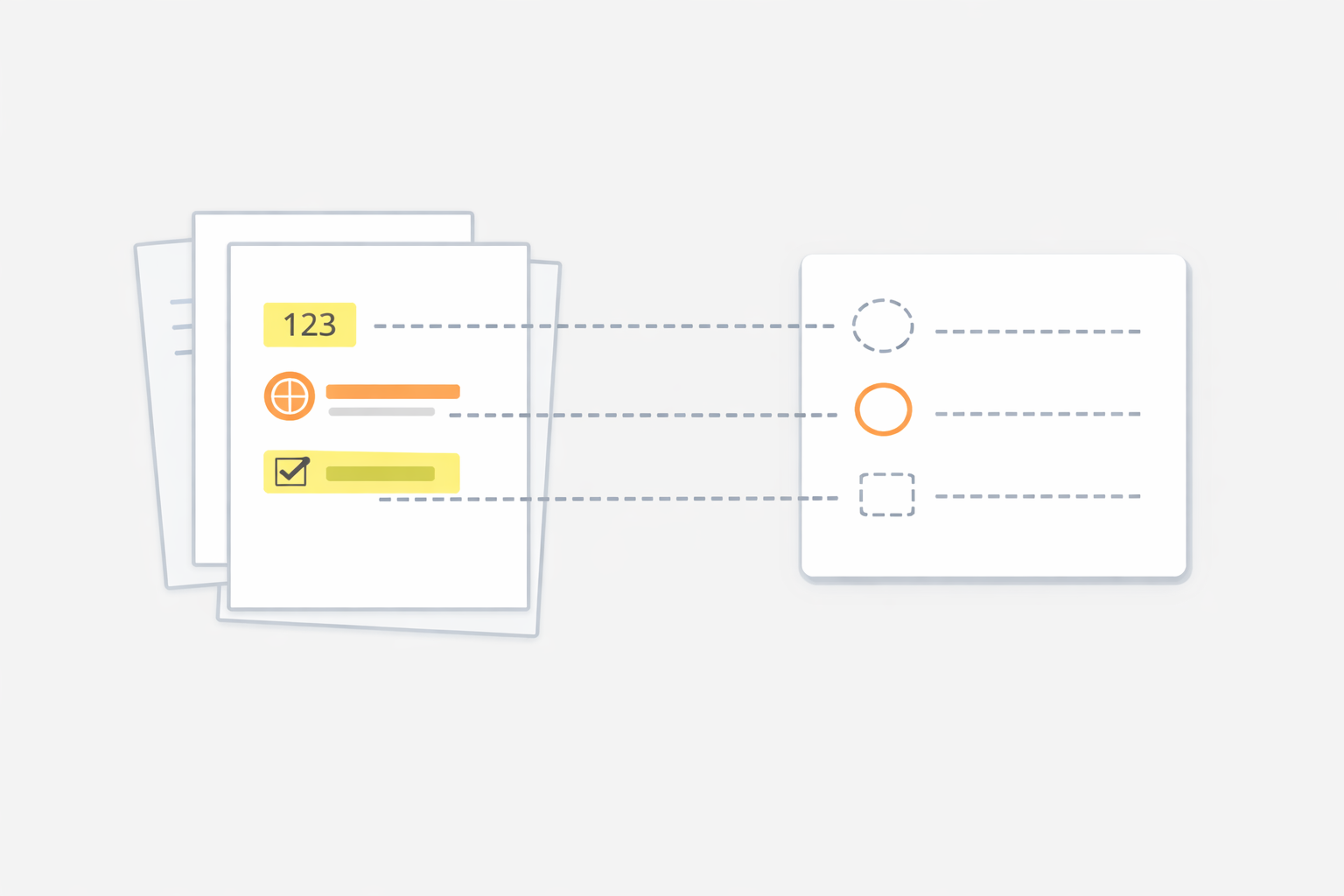
A fast check is to pull out four items and compare them against the source:
- dates or time range
- percentages or key numbers
- who or what the statement applies to
- the condition or limit around the claim
Use this simple test. If you cannot answer the four questions below after reading the summary, the summary is still incomplete:
- What changed?
- By how much?
- For whom or where?
- Under what condition?
3. Look for what the summary did not say
The most dangerous failure is not a weird sentence. It is the missing exception, missing risk, or missing next step.
Here is a simple comparison:
- Weak summary: “The report recommends expansion into Southeast Asia.”
- Safer summary: “The report recommends expansion into Southeast Asia, but only for the premium segment and only after local logistics costs are reduced.”
The second version is not longer by much. It is just less misleading.
In practice, missing details usually fall into one of four buckets:
- Exception: when the claim does not apply
- Dependency: what must happen first
- Risk: what could block the recommendation
- Open question: what still needs a decision
4. Use one fixed summary-check routine
You do not need to reread the entire document every time. A repeatable five-step routine is enough for most long PDFs.
- Read the AI summary once without editing it.
- Open the introduction and final conclusion pages.
- Scan the section headings or table of contents.
- Check every important number or claim in the source.
- Ask what exception, limit, or next action might be missing.
If you are using the summary for work, one more habit helps: mark claims as verified, unclear, or missing. That forces you to distinguish between “the summary looked fine” and “the source actually supports this.”
5. Keep one prompt for safer PDF summaries
A useful prompt is not “summarize this PDF.” A safer version is more specific.
Summarize this PDF in bullet points. Separate main conclusion, key numbers, scope, risks, and open questions. If a number or claim is unclear, mark it as uncertain instead of guessing.
If the document is especially important, add a second pass prompt right after that:
Now list what this summary may still be missing: exceptions, conditions, assumptions, unanswered questions, and any claim that should be verified in the source pages.
What to do first
Take one PDF type you already handle often and use the same check routine three times in a row. If the summary still saves time without hiding important details, then it is worth keeping in your daily workflow.
If you want a broader everyday workflow around email, notes, and document handling, go back to the everyday AI unit page. If the next place you use AI is writing rather than reading, continue with AI email replies.