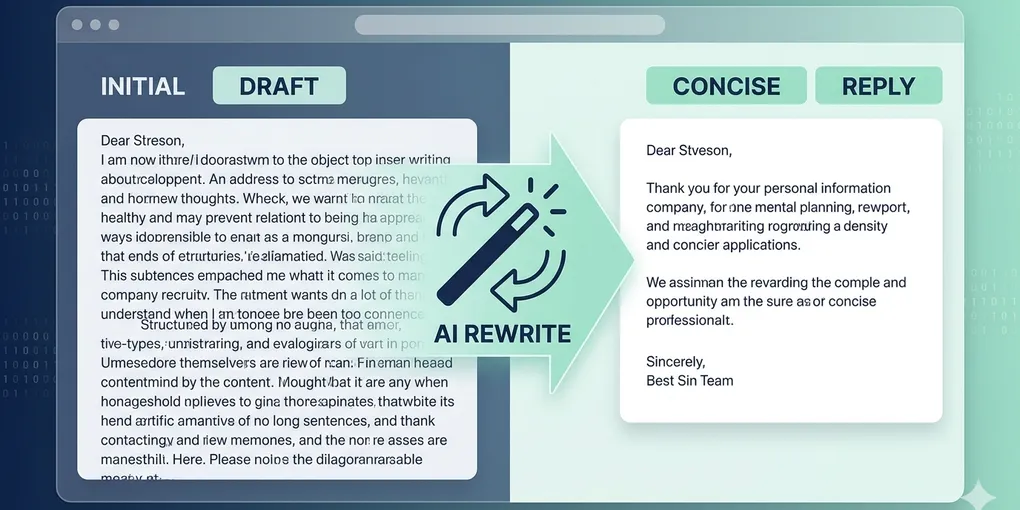
How to use AI for email replies without sounding robotic
AI is useful for email when you treat it as a drafting assistant, not a final sender. The goal is to reduce hesitation, shorten the first draft, and keep the final tone under your control.
This is especially useful for replies that need a clear structure but do not need unique creativity every time: meeting follow-ups, status updates, polite declines, and clarification emails.
Use the everyday AI unit page as the index for the follow-up posts around email, documents, notes, and study workflows.
1. Start from the intent, not the sentence
Give AI the intent first: what you need, what tone to keep, and what length feels acceptable. If you start with wording only, the reply gets generic fast.
2. Use AI for compression before polish
The highest-value use is often shortening and organizing a rough draft. Many people try tone prompts first, but structure and length control matter more.
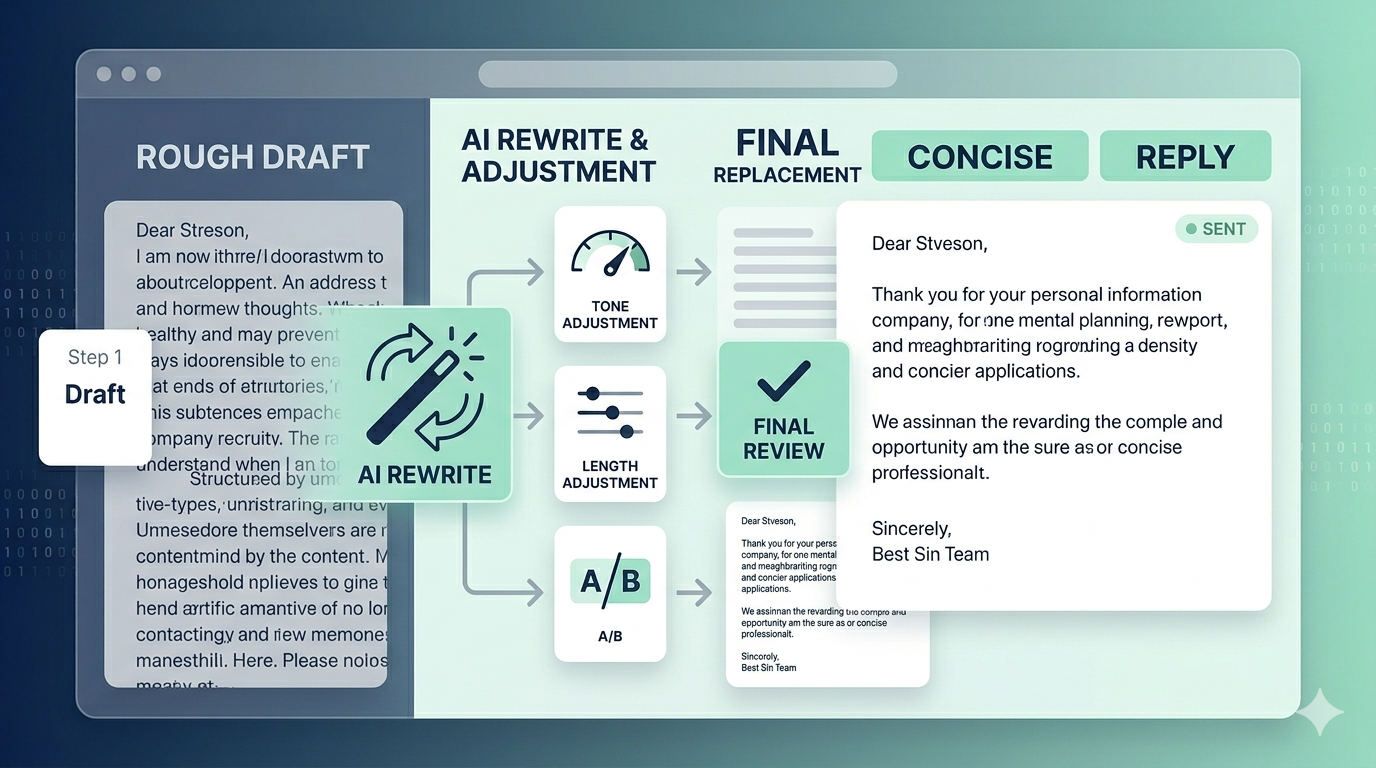
3. Lock three review checks
Before sending, always verify three things: factual accuracy, tone fit, and whether the reply is actually shorter than what you would have written alone.
4. Keep a few repeatable prompts
You do not need dozens of prompts. A small set for concise reply, polite decline, follow-up summary, and tone softening is enough for most daily email work.
For example: “Rewrite this reply so it stays polite, sounds human, and stays under 5 sentences. Keep the decision and next action clear.” That is already enough for many practical cases.
What to do first
Start with one real email type you send often. Build one prompt for it, compare the old version and the AI-assisted version, and keep only what makes the process faster.