5 practical ways everyday users can start using AI
Most people do not need an elaborate AI stack to get value from AI. They need a short list of tasks where AI saves time immediately without creating a second job of prompt management, tool switching, or endless verification.
If you are not a developer and you are not trying to build a full automation system yet, the best starting point is simple: use AI where the work is repetitive, language-heavy, or mentally draining, but still easy to verify with your own judgment.
The most realistic first uses are usually these five:
- rewrite emails and messages faster
- summarize long documents before reading them in full
- turn rough notes into usable drafts
- organize research and comparison work
- build repeatable checklists for recurring admin tasks
1. Use AI for writing support, not final writing
The fastest win for most people is not “let AI write everything.” It is “let AI remove the friction from the first version.”
This works especially well for:
- reply emails
- meeting follow-ups
- apology or delay messages
- formal versions of casual notes
- short summaries you need to send to other people
The reason this works is simple. You already know what you want to say, but you spend time making it clearer, shorter, more polite, or more structured. AI can do that part quickly.
The practical rule is this: give AI your rough intent, then edit the result before sending it. That keeps the speed advantage without losing judgment.
2. Summarize first, then read selectively
Many people waste time because they read everything at the same depth. AI is useful when the problem is not “I cannot read this,” but “I do not yet know whether this deserves a full read.”
That makes AI useful for:
- reports
- long newsletters
- policy updates
- course material
- articles you need to compare quickly
A good workflow is:
- ask for a short summary
- ask for the key claims or decisions
- ask what still needs direct human reading
- read only the parts that matter
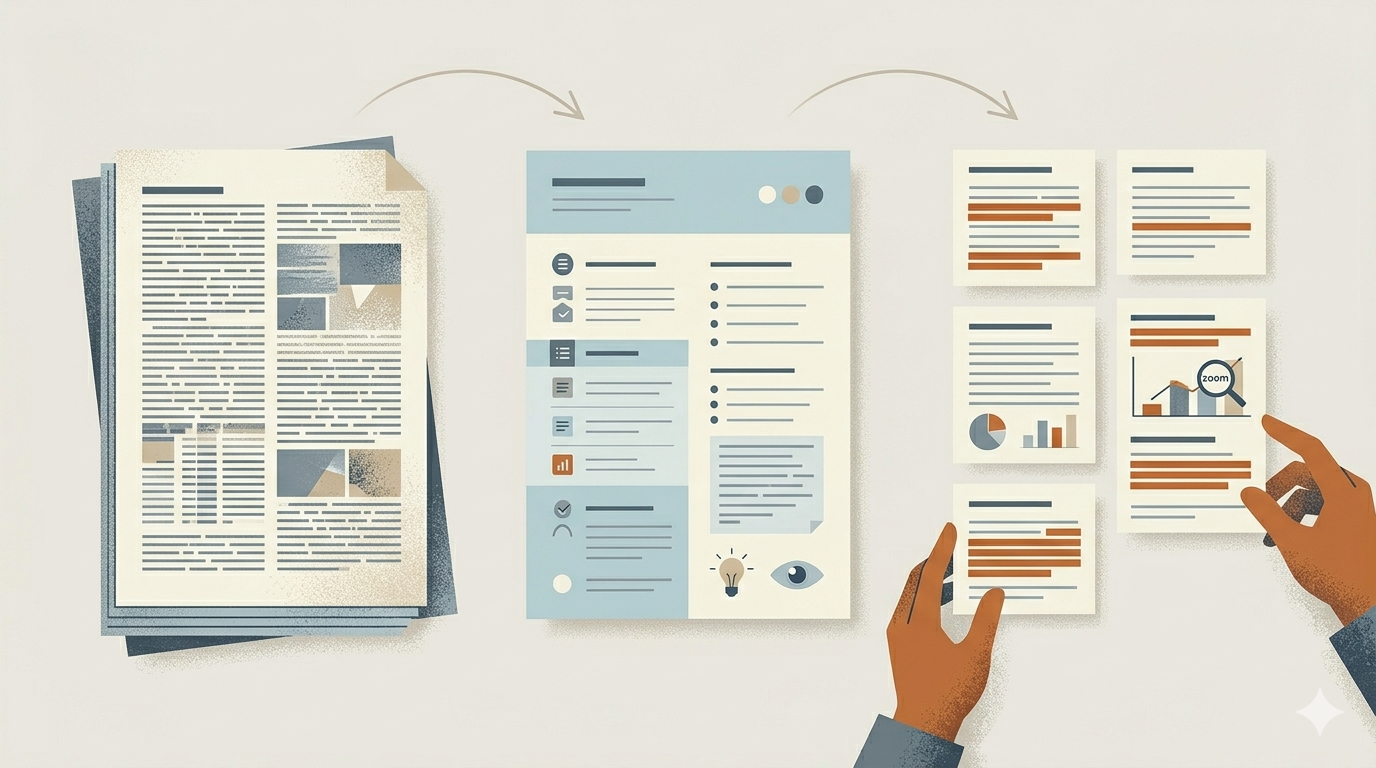
This is where AI feels realistic instead of flashy. You are not replacing reading. You are using AI to decide where your attention should go first.
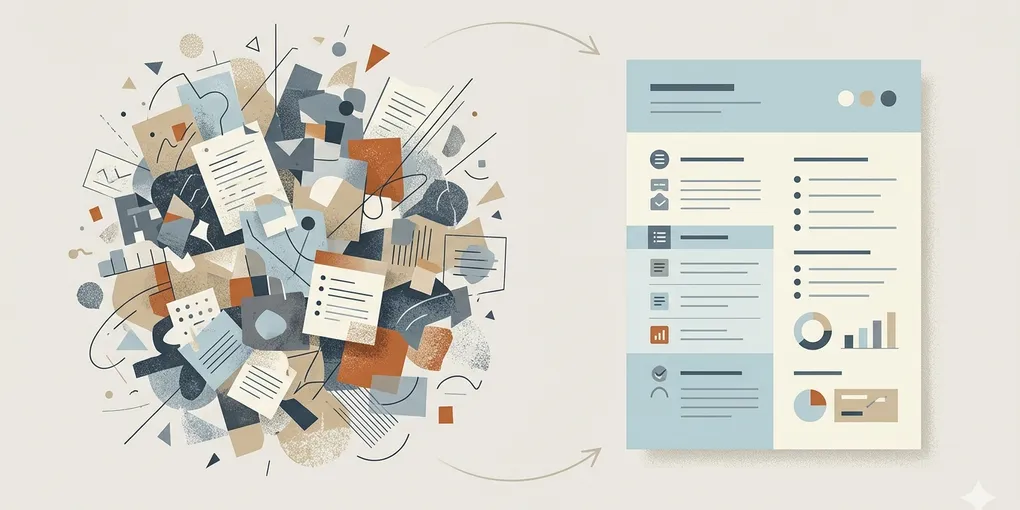
3. Turn messy notes into usable structure
Another strong use case is when you already have information, but it is scattered. Voice notes, copied links, bullets, half-written thoughts, screenshots, and rough outlines often sit in separate places and never become something useful.
AI helps when you need to convert that mess into:
- a clean outline
- a first draft
- a checklist
- a meeting recap
- a study guide
This is one of the best beginner cases because the source material is yours. That means verification is easier, and the output is less likely to drift into hallucinated nonsense.
4. Use AI for comparison work that would otherwise take too long
People often think of AI as a writing tool first, but comparison work is often the bigger time saver.
Examples:
- comparing plans, tools, or services
- comparing travel options
- comparing study resources
- comparing product specs before buying
The important part is not asking “which is best?” as a vague question. The useful version is asking AI to compare options using criteria you already care about: price, speed, learning curve, portability, support, or risk.
That changes AI from a generic answer engine into a sorting tool for real decisions.
5. Build small reusable workflows before big automation
Many beginners jump from “I want to use AI” to “I need a full automated agent system.” That jump is too large for most people.
A better approach is to create very small repeatable workflows such as:
- weekly email cleanup
- document summary template
- meeting note cleanup prompt
- shopping or pricing comparison format
- study recap format
When a workflow repeats and the input pattern is similar, AI becomes much more useful. You spend less time inventing a new prompt every time and more time getting predictable results.
What everyday users should avoid at the start
The most common mistake is trying to use AI for high-risk or high-ambiguity work before building judgment.
At the beginning, avoid relying on AI alone for:
- legal interpretation
- medical decisions
- financial decisions without verification
- important factual claims you have not checked
- messages where tone mistakes could create damage
The better beginner mindset is not “AI is smart enough to replace thinking.” It is “AI is useful when it reduces friction on work I can still verify.”
The most practical starting sequence
If you want a realistic order instead of a hype-driven one, start like this:
- email and message rewriting
- document summarizing
- notes to draft conversion
- comparison support
- small repeatable workflows
This order works because it starts with low-risk, easy-to-check tasks and gradually moves into more structured usage.
What this means in practice
For most everyday users, AI becomes useful not when it looks magical, but when it removes ten small points of friction every week.
If you start with tasks that are repetitive, language-heavy, and easy to verify, you will get value faster and build better judgment for more advanced use later.